

Content creation
YouTube Automation
Learn to make videos and run your YouTube channel.
Coming soonView fees & enrollment ↓
Learn how to create and manage a YouTube channel.
Start with a channel idea, then learn how to write scripts, make videos, design thumbnails and upload your work. Explore how AI tools can help along the way.
27-module course outline. The course is in preparation. Ask us about the next batch, fees, class timings and required tools.
View course outline · View creator examples
What you will learn
- Course introduction
Meet your instructor.
- Starting on YouTube
Careers, costs and income.
- Using AI for videos
Benefits and limits.
- Choosing AI tools
Writing, voice, images, video.
- Organizing your work
Files, templates and teamwork.
- Understanding content
Ownership and channel types.
- Choosing your topic
Research audiences and competition.
- Creating your channel
Setup, branding and settings.
- Using YouTube Studio
Views, watch time and monetization.
- Giving AI clear instructions
Write and improve prompts.
- Writing story videos
Fiction and storytelling.
- Writing informative videos
History, news and documentaries.
- More script-writing skills
Research, Urdu/Hindi and writers.
- Making voiceovers
Natural voices and music.
- Creating AI visuals
Images, videos and characters.
- Finding video materials
Footage, music and permissions.
- Learning basic editing
Practice with CapCut.
- Improving your editing
Premiere, color and motion.
- Finishing a complete video
Pacing, cuts and sound.
- Designing thumbnails
Clear text and images.
- Helping viewers find videos
Titles, keywords and uploads.
- Making YouTube Shorts
Ideas, editing and retention.
- Receiving YouTube payments
AdSense, verification and banking.
- Earning beyond ads
Sponsors, products and affiliates.
- Improving channel performance
Review problems and progress.
- Automating routine work
Tools, teams and publishing.
- Avoiding channel problems
Copyright, reused content and restrictions.
Before you join
You will need a suitable computer and internet connection. Ask us which tools are included and which may need a separate subscription. Views, monetization and income are not guaranteed.
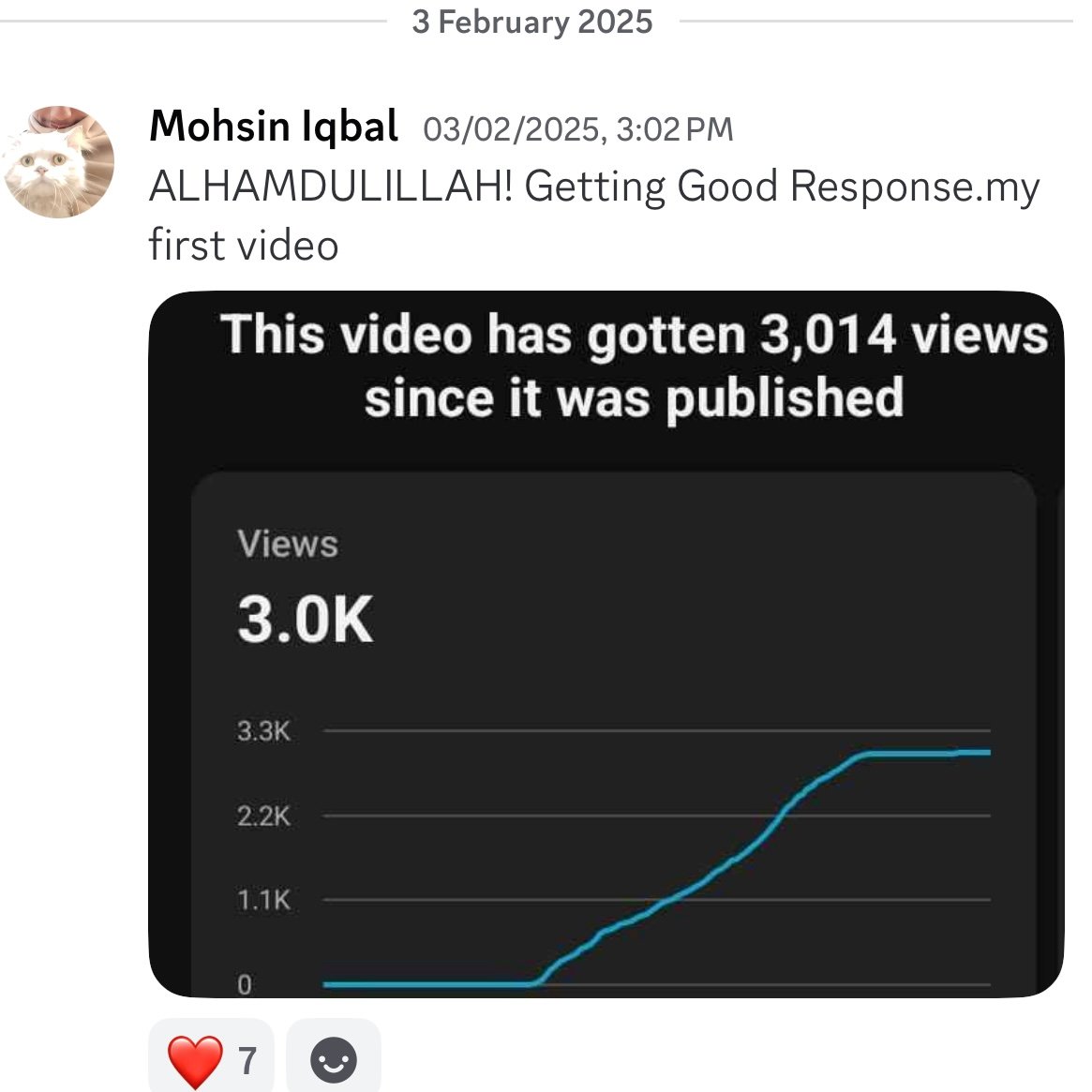
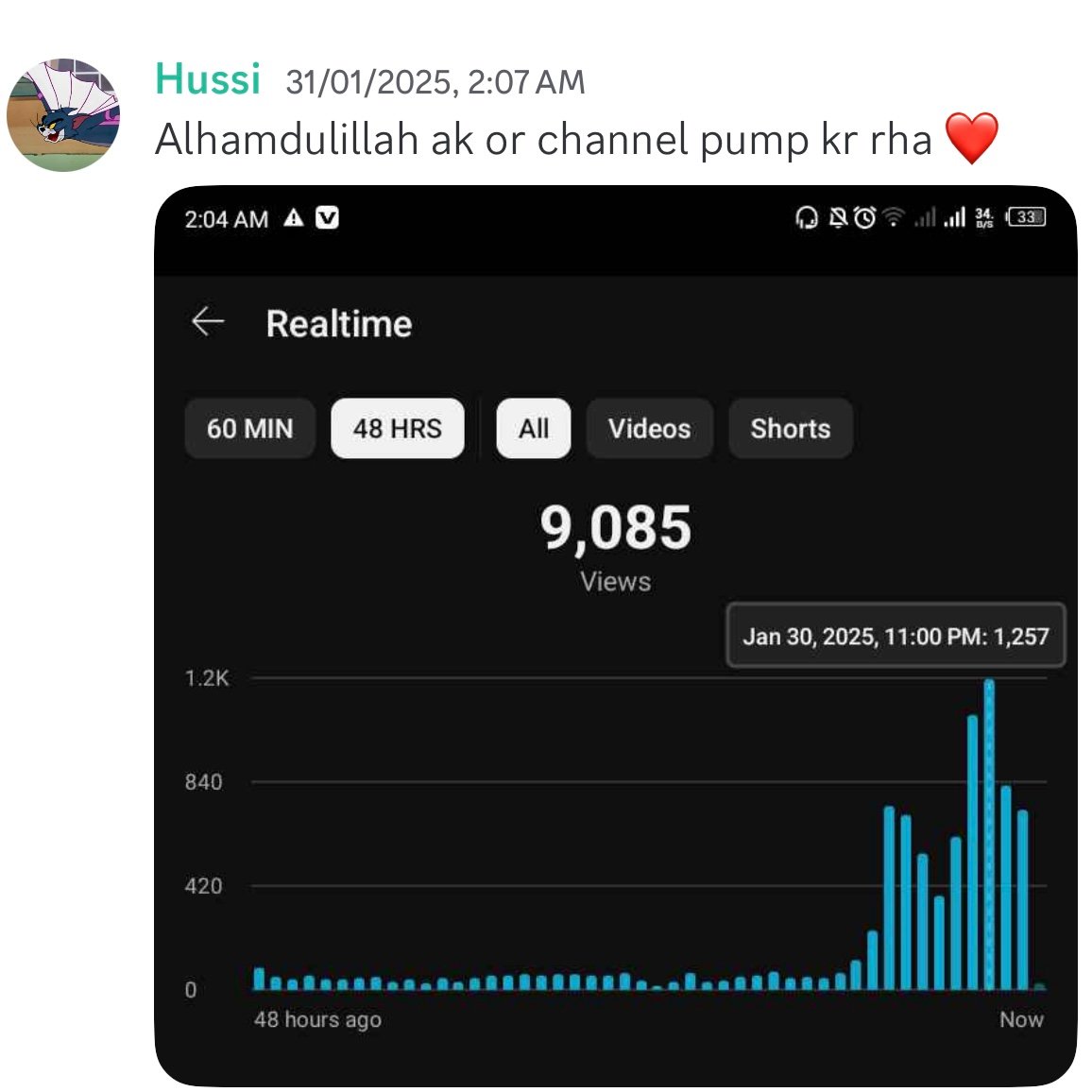
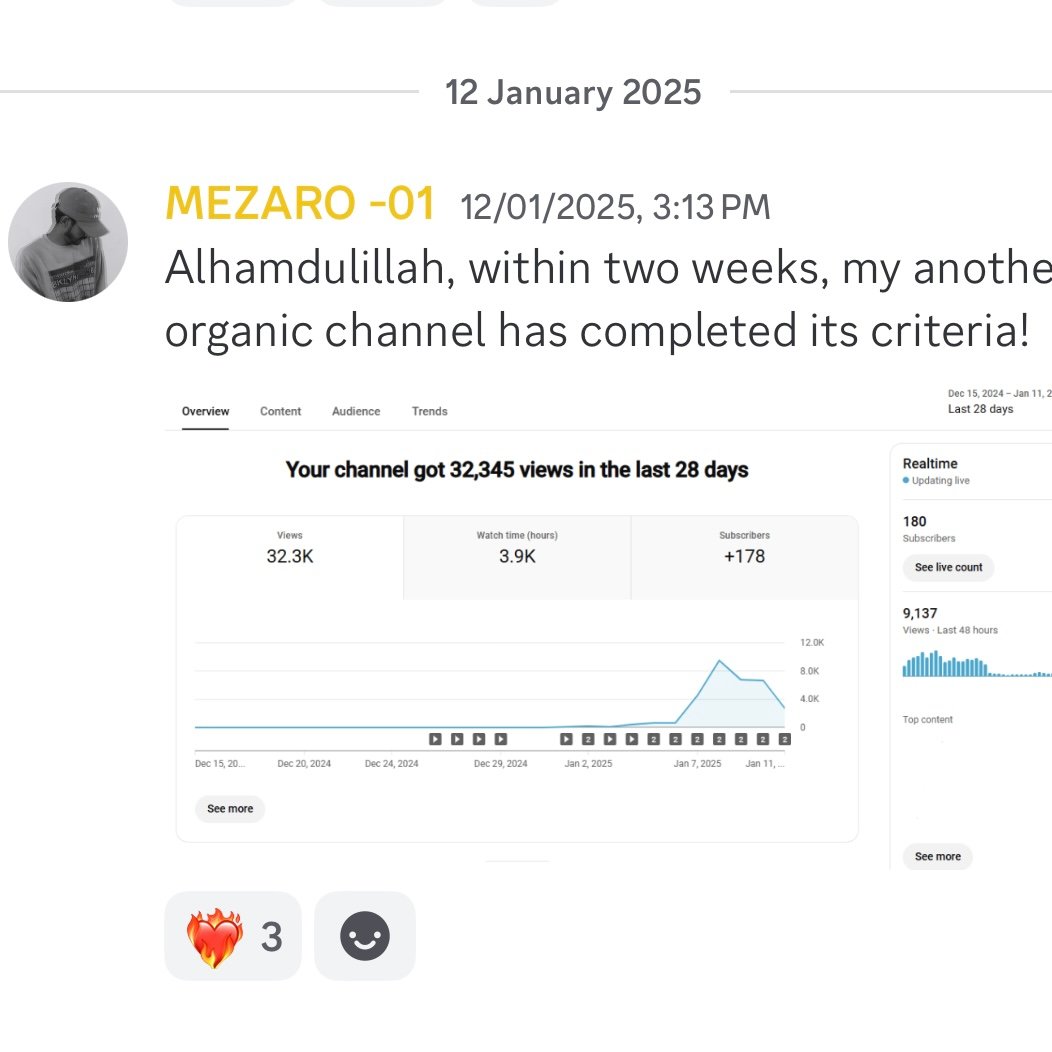
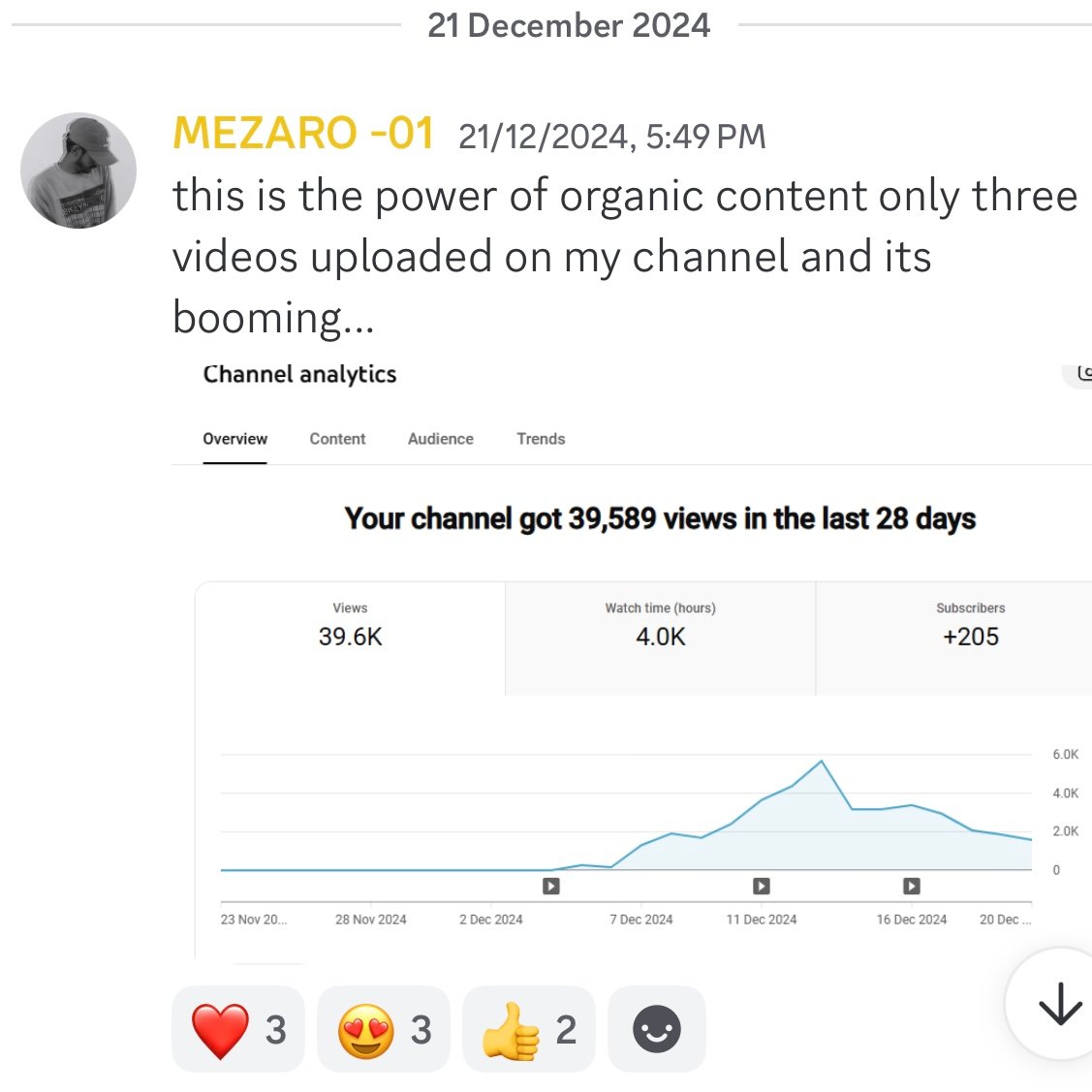
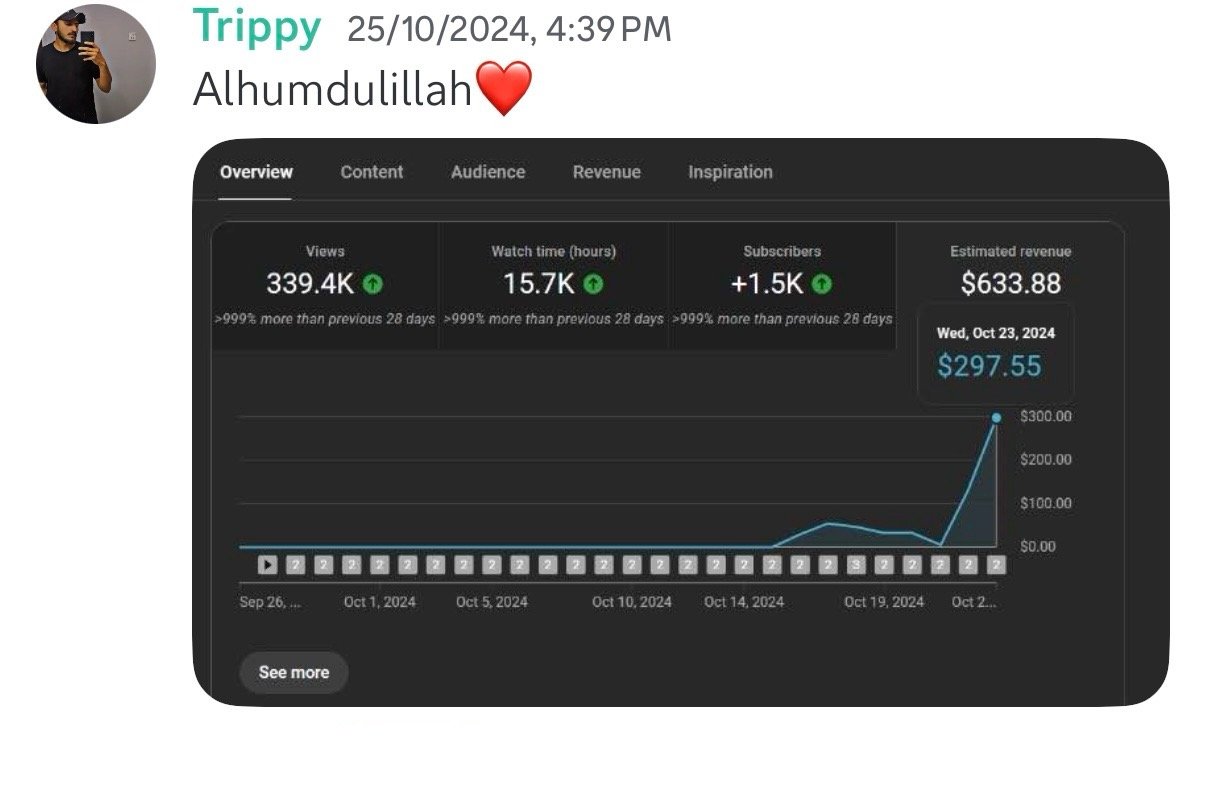
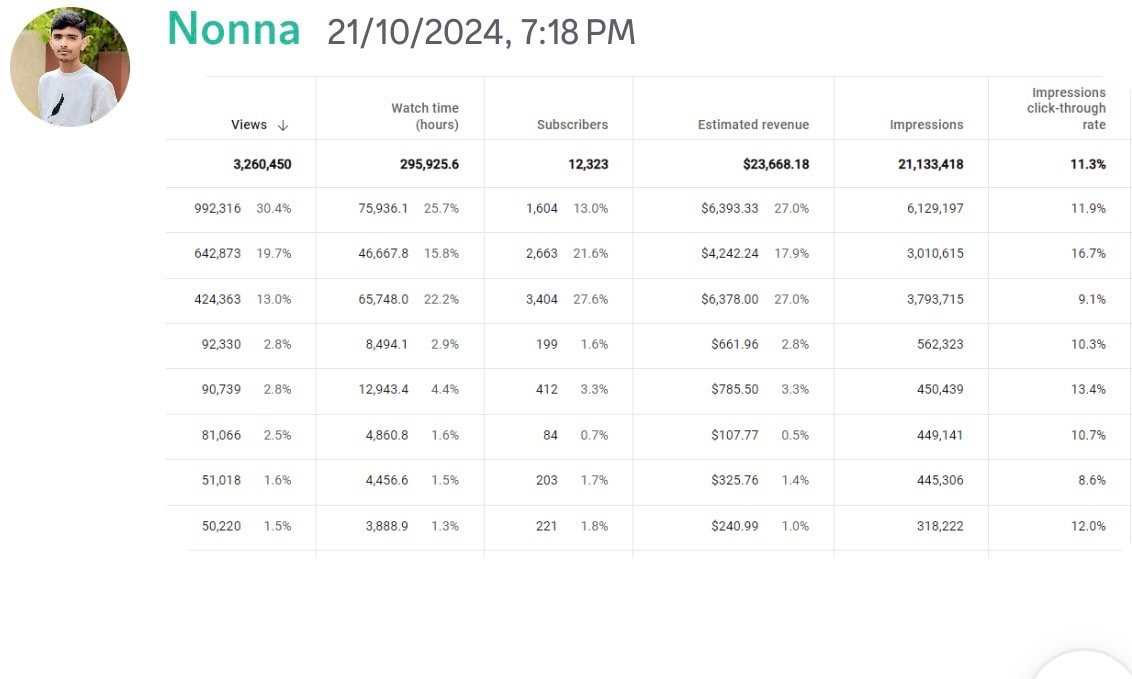
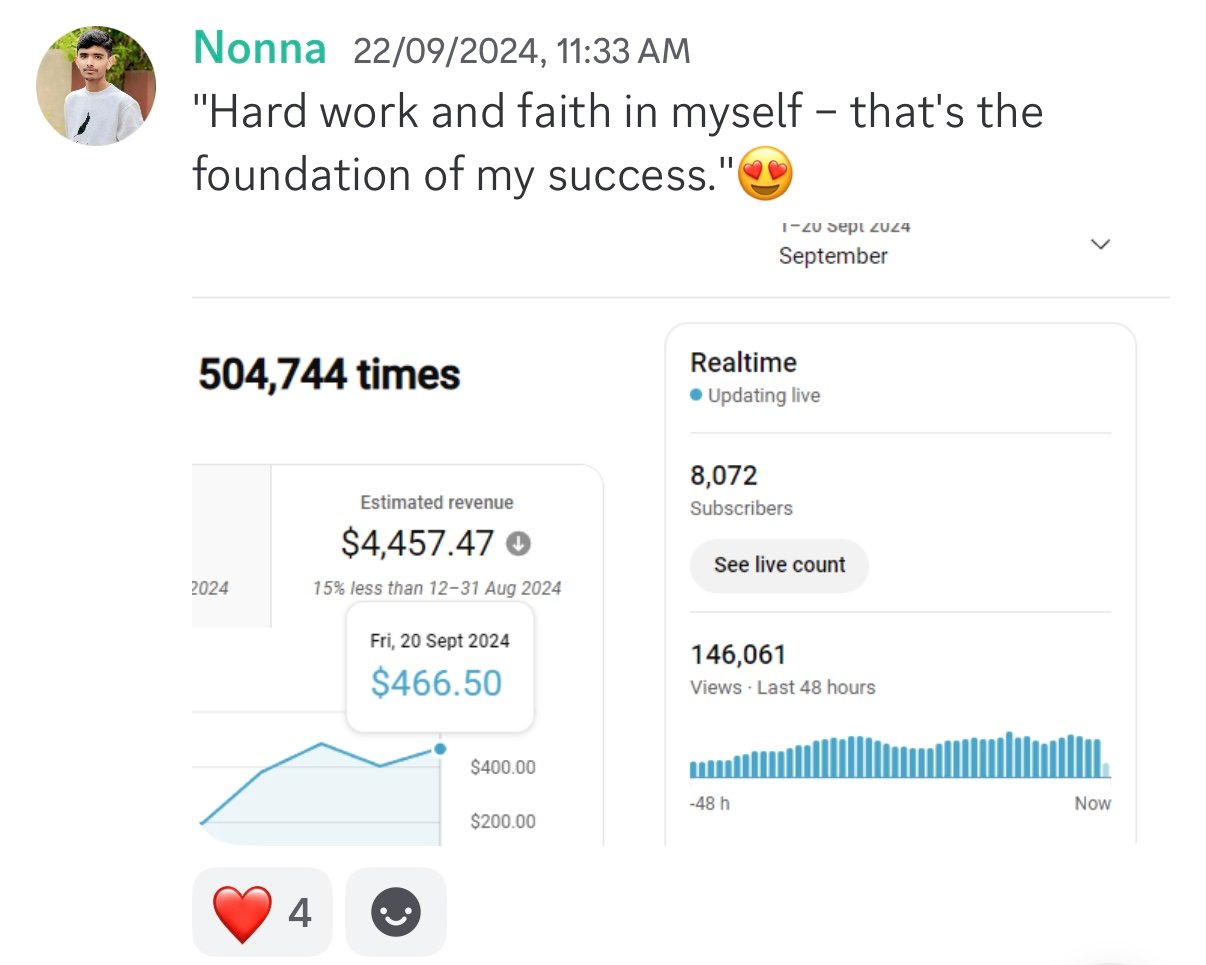
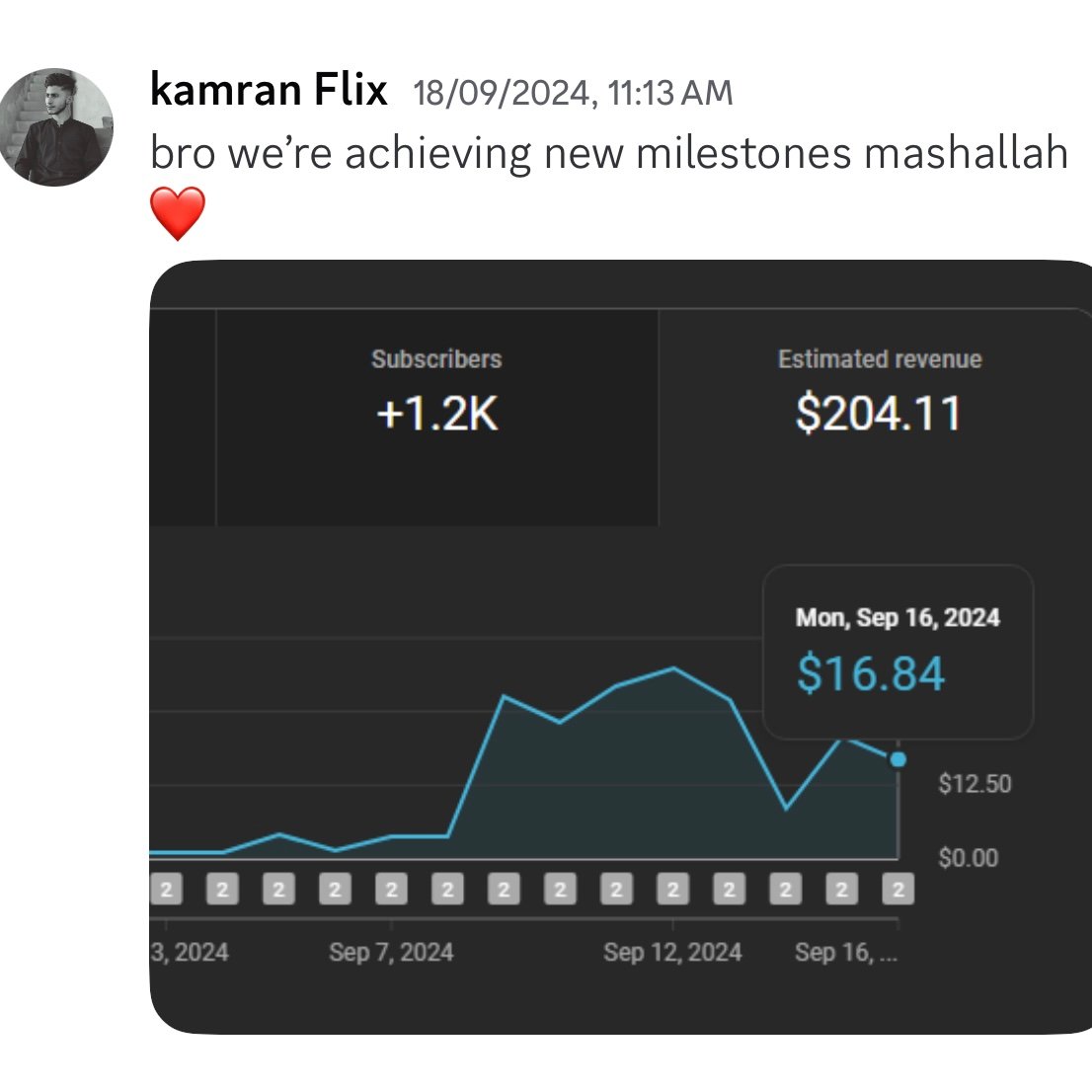
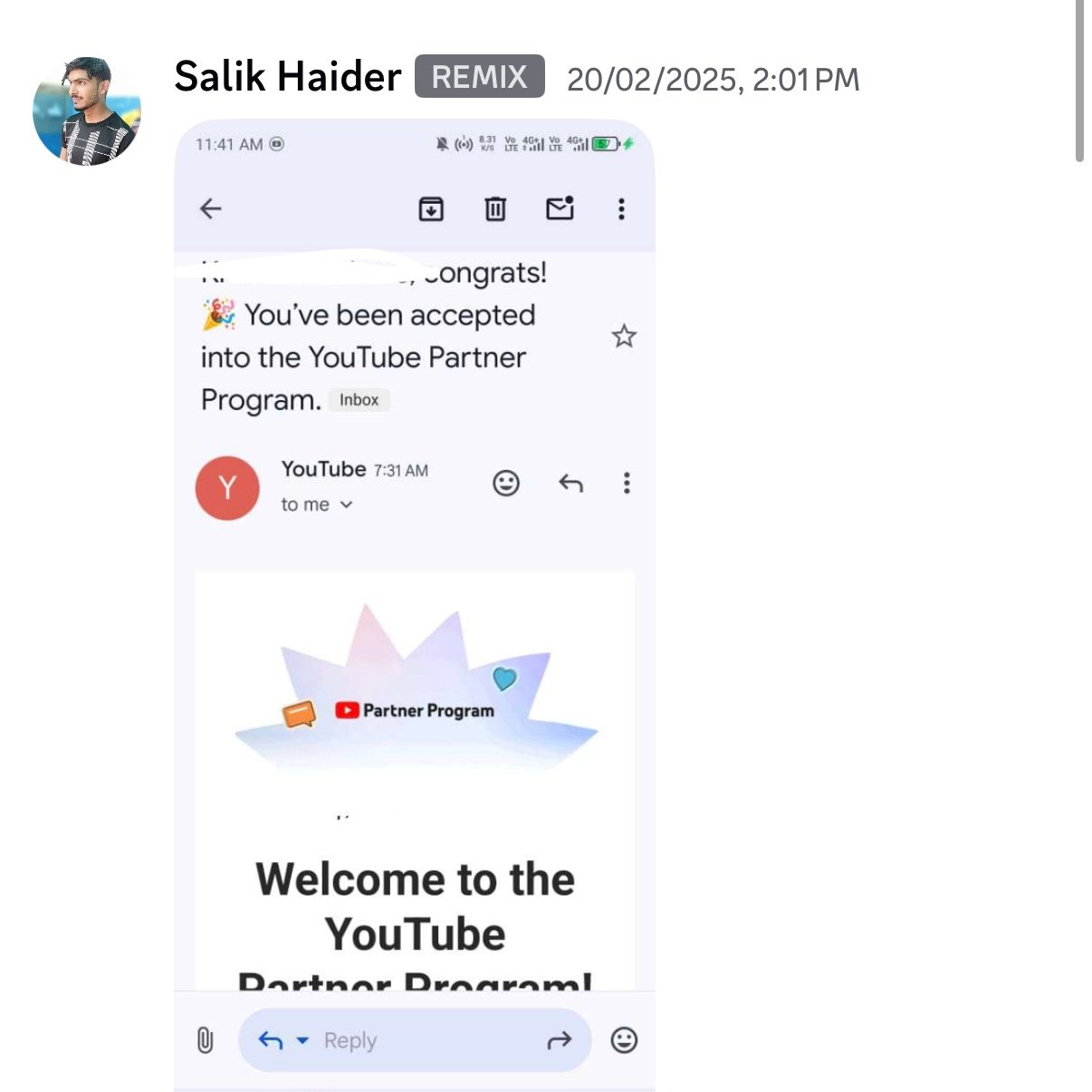
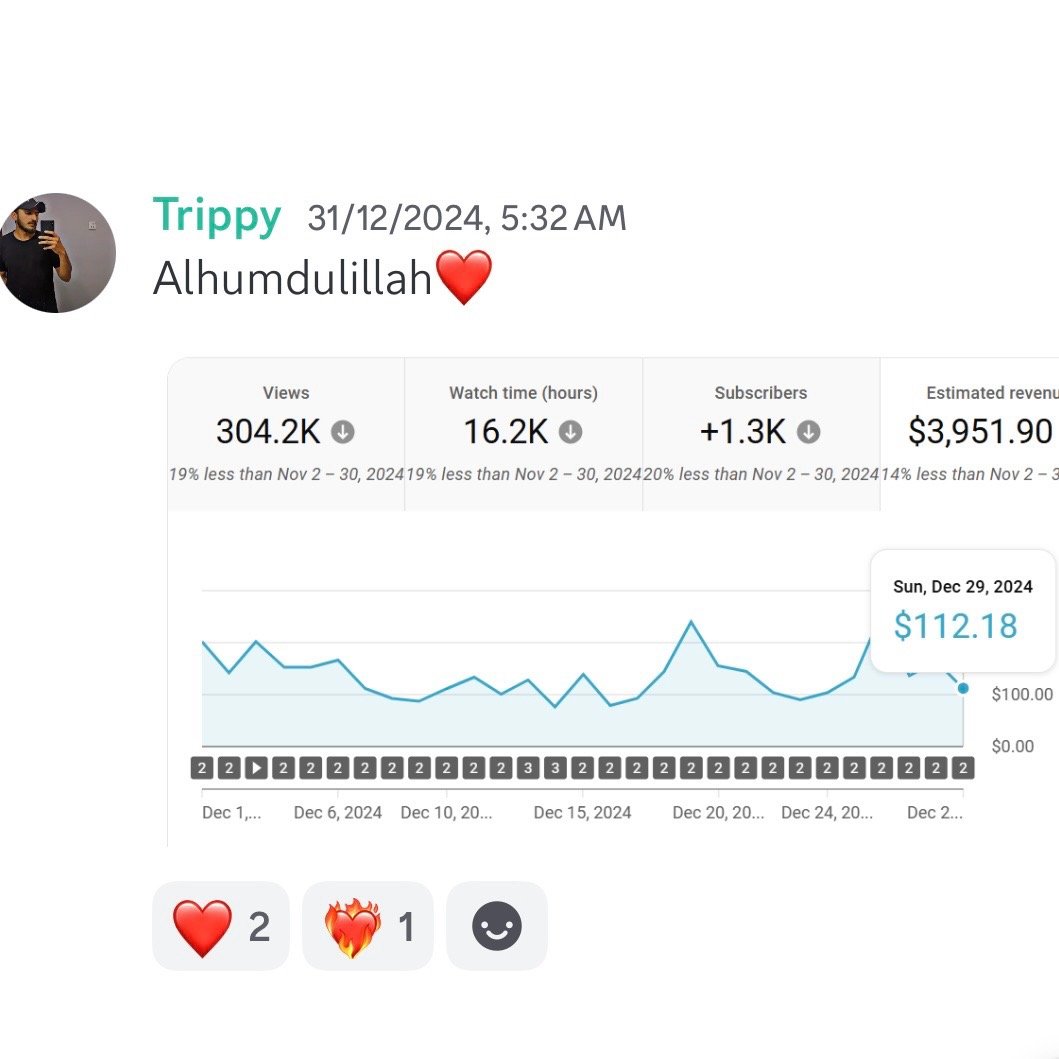
Creator examples
Tap any screenshot to see it in full size.
Ready to learn more?
Planned course outline
- YouTube basics and choosing a topic
- Channel setup and AI tools
- Scripts, voiceovers and video materials
- Video editing and thumbnails
- Uploading videos and YouTube Shorts
- Channel growth, payments and automation
Practice that counts
Course activities may include guided lessons, practical assignments, live sessions and assessments. Your portal shows the exact requirements for your enrolled course. Certificates follow successful completion of the required activities, or administrator confirmation of classes already completed with the academy.
Age and course suitability
We welcome students from age 8. Course placement depends on readiness. Students under 18 need a parent-managed account; third-party tools may have additional age requirements. Marketing and advertising topics use supervised practice.
Student reviews
No published reviews yet. Student reviews will appear here after moderation.